After a couple of days of modeling my Harrier “button box” extension for my Thrustmaster Warthog throttle, I’ve settled on the following control layout:
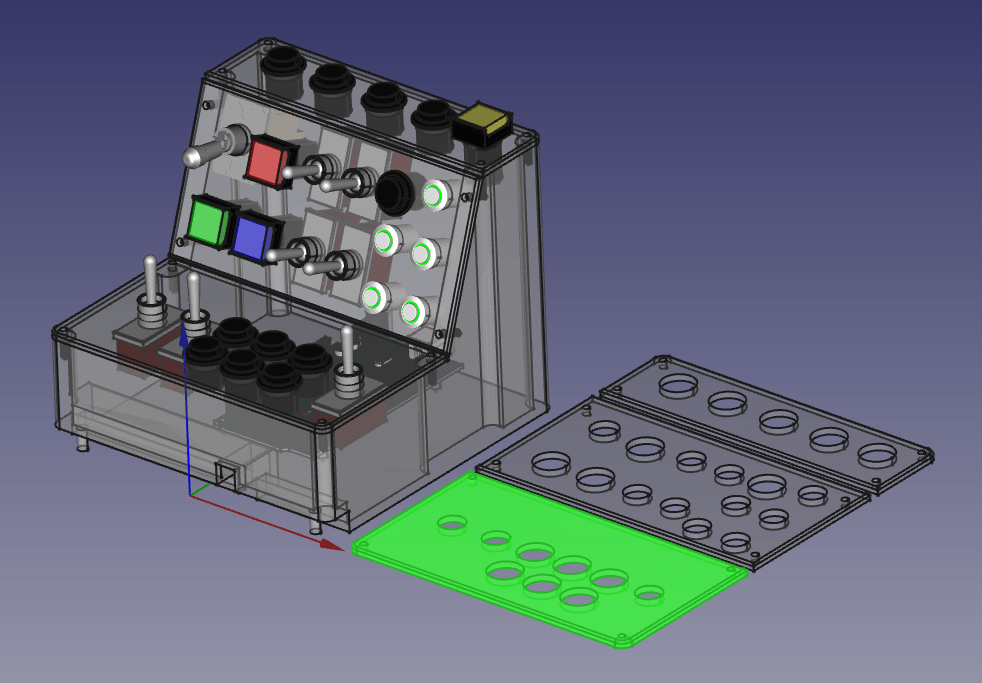
Each of the 3 panels is separately printed, which allows me to change out each panel independently of the others so that I can tweak or change the configuration if I want to. If I really wanted to, I could build a harness with connectors that would allow me to swap out the panels for different configurations, but that’s overkill for my needs right now.
At the moment, I’m planning on using DCS-BIOS so that I can light the 4 square buttons based on status in the Harrier. For example, the yellow button on the top righthand side is the master caution reset. It will light up and blink in sync with the master caution in the simulator. I have an Arduino Mega 2560 that I’ve had lying around unopened for 10 years, and this is as good a time as ever to use it. I’ve ordered an interface shield to make hookups to the switches and lights easier. The shield I’m going to use is the Keyestudio Sensor Shield V1, which I bought off of Amazon for $8.99.
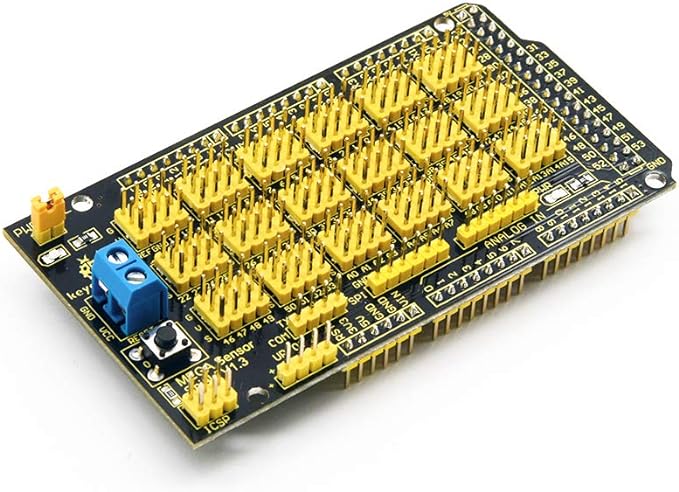
If I were doing wiring harnesses for each panel, I would design my own PCB – and who knows, maybe I’ll still do that at some point.
The base enclosure took 19 hours to print. I had some adhesion problems on the back right side, but I don’t care enough to reprint it.
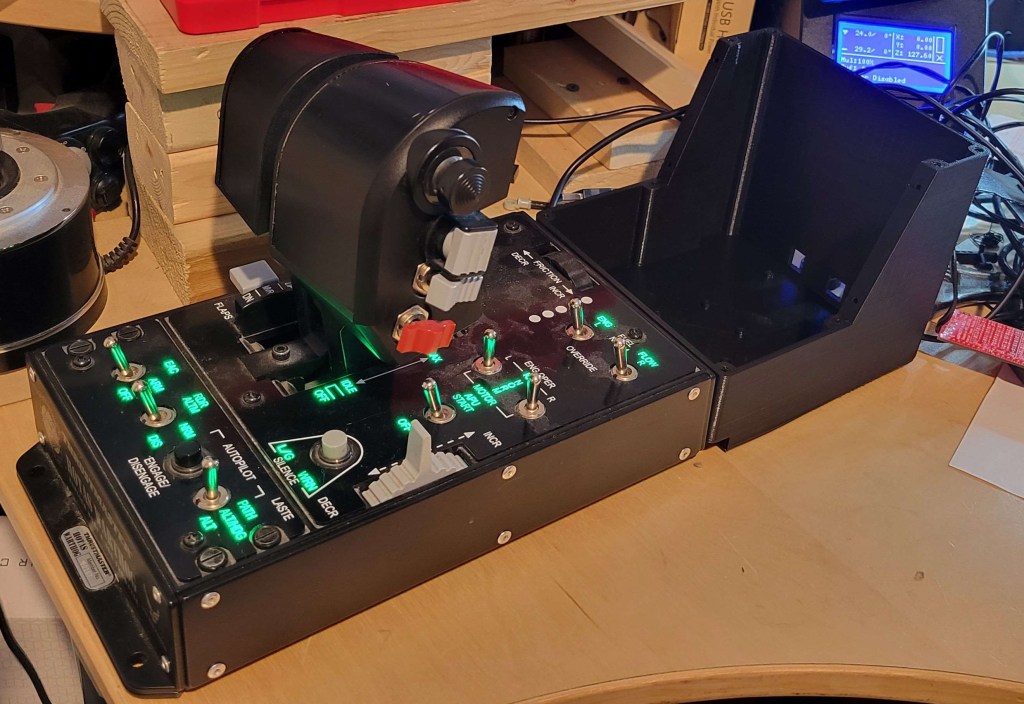
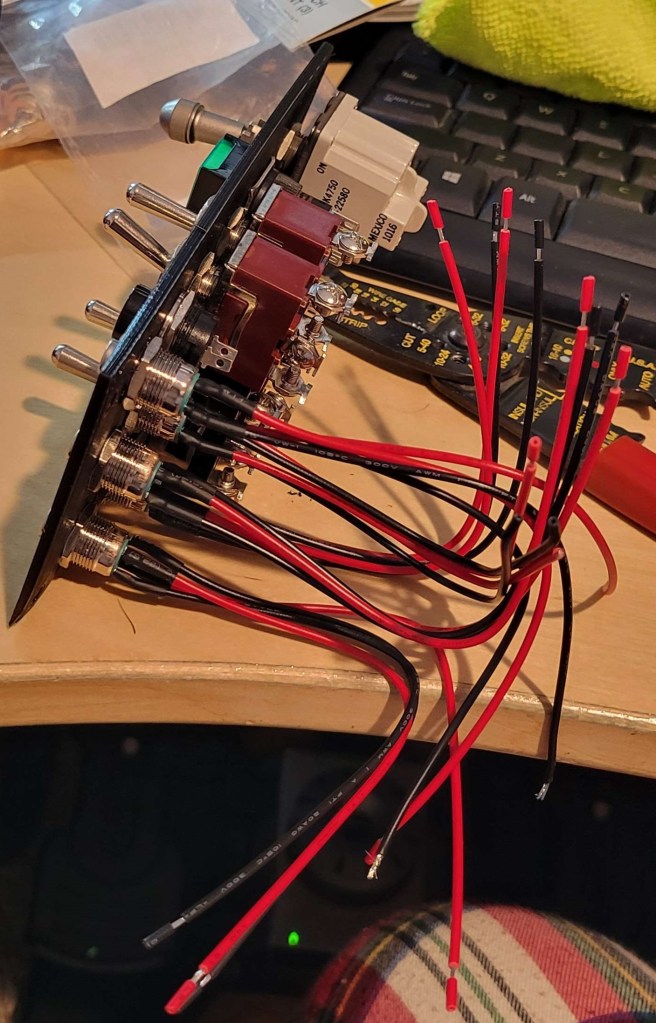
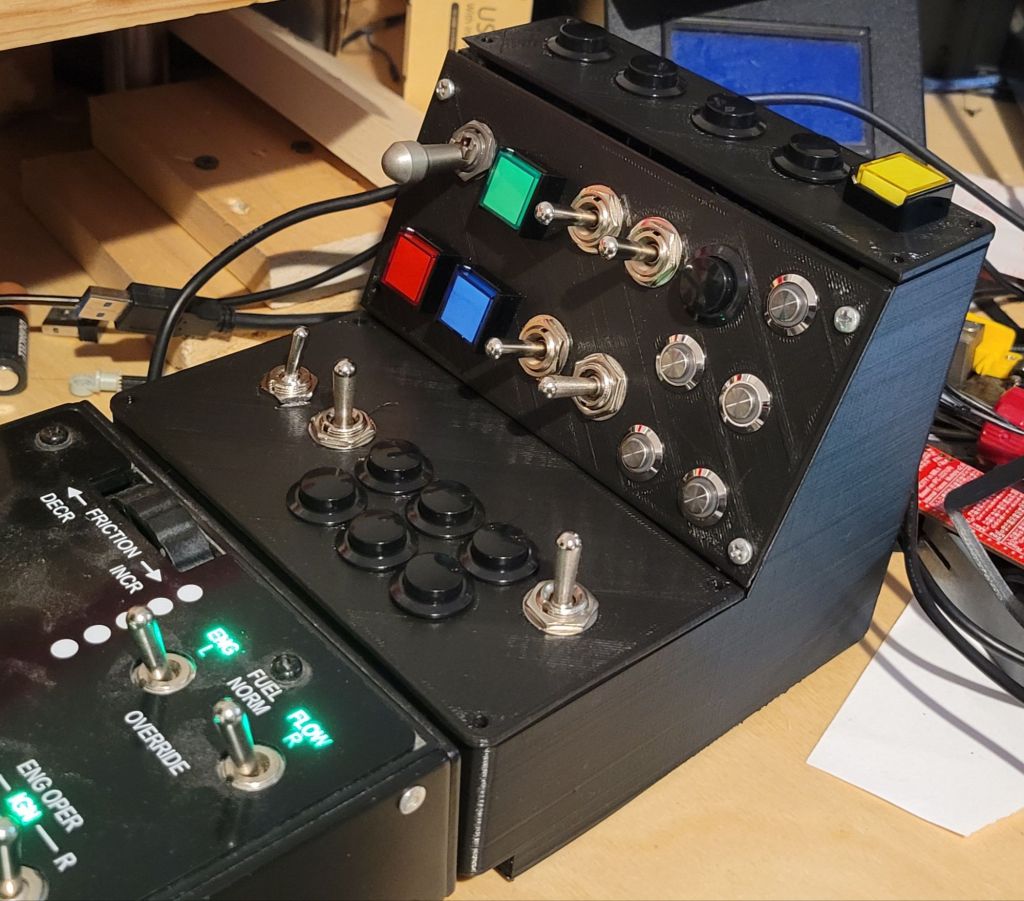
I have also learned a few things after fitting all the switches. The black buttons on the lower panel are just a bit too close together, and it interferes slightly with the nuts that clamp them tight. A few of the buttons on the top panel interfere with the switches below because of their wiring legs / lugs. I would have realized that if I had gone to the trouble of modeling the legs on all the switches. I was able to bend them a little to make the clearance but I may reprint the top with better positioning.
I also want to move the Arduino Mega position to allow for a second Arduino to be mounted which would be configured as a USB HID device so that I can map the push buttons to DCS functions not accessible to DCS-BIOS. I can still do this without reprinting, but I will need to cut a hole for the USB connector.
 OpenHarrier
Leave a comment